

We all have a folder of “almost perfect” shots: photos with high ISO grain, sharp images that lost detail after cropping, faded old prints, and screenshots or digital assets that could use a quality boost. This is where VideoProc Converter AI becomes essential. It works as an all-in-one media tool to fix blurry or grainy images, restore lost details, and upscale photos, while also offering powerful video and audio improvement and conversion features.
What Is VideoProc Converter AI?
VideoProc Converter AI addresses common media issues such as such as blurry or noisy photos from high ISO settings, lost detail after cropping, shaky clips from handheld cameras, and large file sizes that are difficult to manage. This all-in-one media enhancer and converter combines image and video enhancement, conversion, compression, and recording features in a single interface, with full GPU acceleration for fast processing of high-resolution 8K/10K photos and 4K videos.
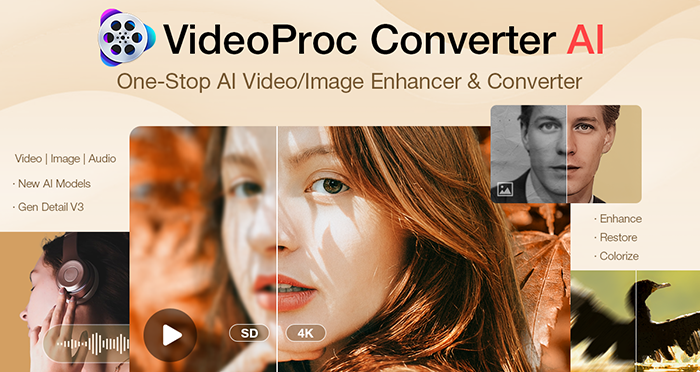

Constantly evolving, the latest Version v8.5 introduces full support for NVIDIA RTX 50-series GPUs, delivering significantly faster AI inference and enhanced stability for demanding 4K and 8K workflows.
Black Friday is On: 61% Off + 4 Free Gifts
This Black Friday marks the lowest price of the year for VideoProc: get the “Buy 1 Get 4 Free” Lifetime bundle for just $34.95 (Regularly $89.95). Hurry, as this limited-time offer is for the first 150 buyers only. Grab the $34.95 deal and your free gifts at the link below.
Grab the $34.95 deal + gifts here!
Key Features for Elevating Your Images & Videos
Let’s break down the standout features designed to rescue and enhance your photos and videos.
1. Enhance Images and Videos with AI
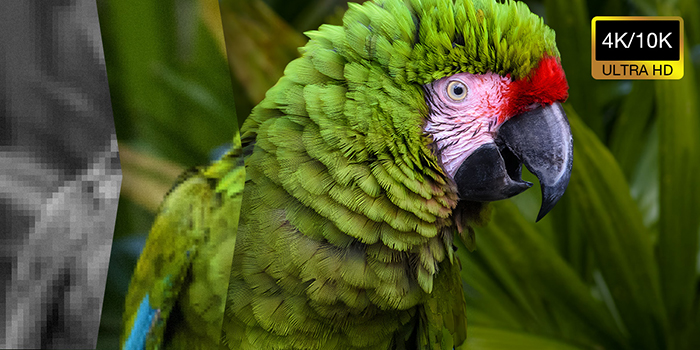
Utilizing advanced GAN models (like Gen Detail v3), VideoProc Converter AI tackles quality issues at the pixel level: deblurring details, removingh high-ISO noise or grain, and more. It upscales photos to 10K and videos to 4K with authentic, natural textures. Plus, it can restore facial details in blurry portraits and colorize faded photos.

Ideal for:
- Restoring clarity to grainy, blurry, and pixelated images and footage.
- Upscaling heavily-cropped photos for sharp, large prints.
- Clearing pixelation and artifacts from downloaded social media assets.
- Colorizing faded family photos and restoring facial details in blurry portraits..
2. Deshake Footage (AI Stabilization)
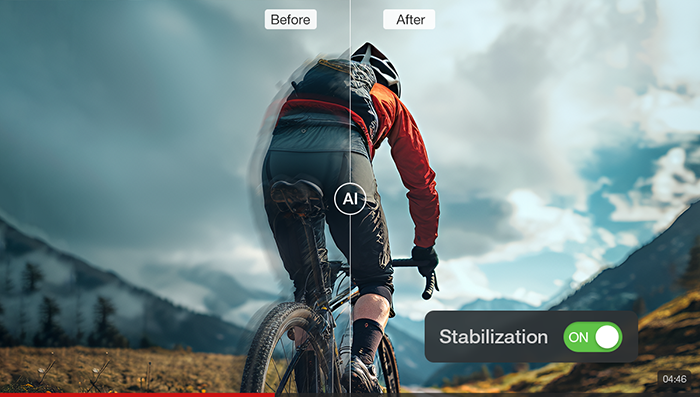
VideoProc Converter AI uses advanced motion estimation to stabilize footage, minimizing cropping and eliminating the “jello effect.”

Ideal for:
- Smoothing out walking shots filmed without a gimbal.
- Fixing exaggerated camera shake common in long-lens shots (e.g., 70-200mm).
- Eliminating shaky handheld family videos or vacation clips.
3. Increase Frame Rate (Frame Interpolation)
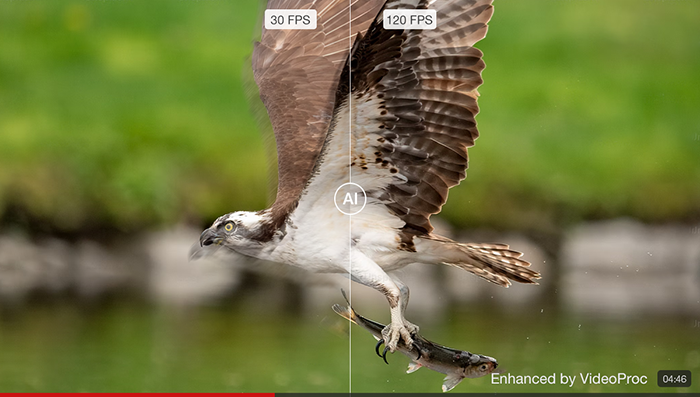
VideoProc Converter AI generates new frames between existing ones, boosting the frame rate (e.g., from 30fps to 60fps, or up to 480fps), which is great for smoothing out choppy pans or creating fluid slow motion.
Ideal for:
- Creating epic slow-motion from standard 30fps footage for B-roll.
- Unifying mixed clips (24fps/30fps/60fps) into a single high frame rate for editing.
4. Enhanced Audio (Audio AI)
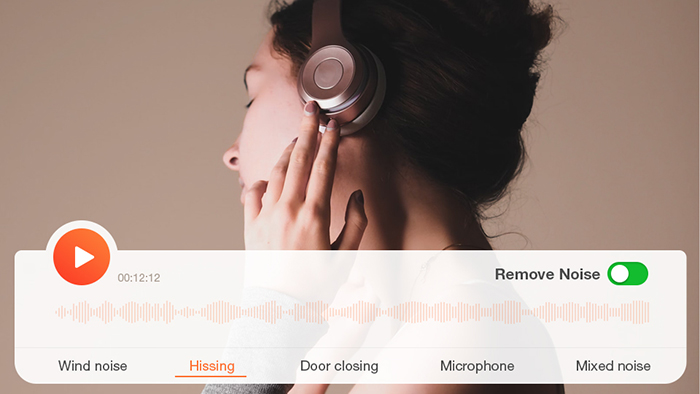
Automatically clears background noise without affecting natural speech. The AI Vocal Remover separates vocals from audio tracks.

Ideal for:
- Cleaning up hiss, static, or hum in podcasts, interviews, vlogs, and videos.
- Isolating vocals or instrumentals for karaoke or sampling.
5. Beyond AI: The All-in-One Media Solution
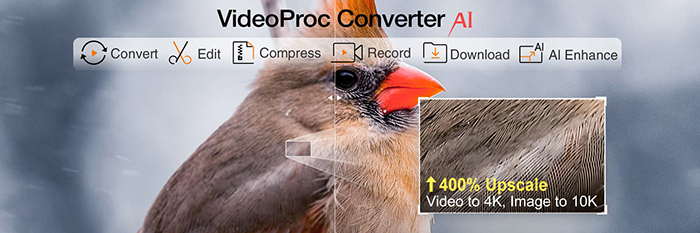

- Transcode Sony XAVC-S, MKV, and HEVC files into edit-friendly ProRes or 420+ formats.
- Reduce 4K video file sizes by up to 90% for archiving or sharing, with no visible loss in quality.
- Polish your clips with trim, cut, merge, rotate, flip, defisheye, change speed, and more toolkits.
- Digitalize DVDs and use AI Super Resolution to upscale the DVD footage to 4K.
- Record screen, webcam, or desktop activity, and download assets from 1000+ sites.
Black Friday is On: Get up to 61% Off + 4 Software Gifts
VideoProc’s 2025 Black Friday sale offers the lowest price of the year: just $34.95 (61% OFF). This is a tiered sale, and only ~70 copies remain at this record-low price.
To sweeten the deal, every purchase includes four premium tools for free, covering iPhone media transfer, PC system optimization, and AI image background removal.
Join this Super Black Friday Sale!
FAQs
Is VideoProc Converter AI safe?
Yes. VideoProc Converter AI is developed by Digiarty Software, a trusted multimedia leader for over 18 years with millions of users. The software is clean, verified secure, and contains no ads or malware.
Does it support RAW and Sony XAVC formats?
Yes. VideoProc supports 370+ input formats, including RAW, XAVC-S, AVCHD, and HEVC. It handles high-resolution files, 4K 120fps, and 10-bit HDR images/videos without issue.
Is this a subscription plan?
No. The Black Friday deal is for a Lifetime License. You pay a one-time fee of $34.95 and own the software forever, with free updates included. No monthly bills, ever.